
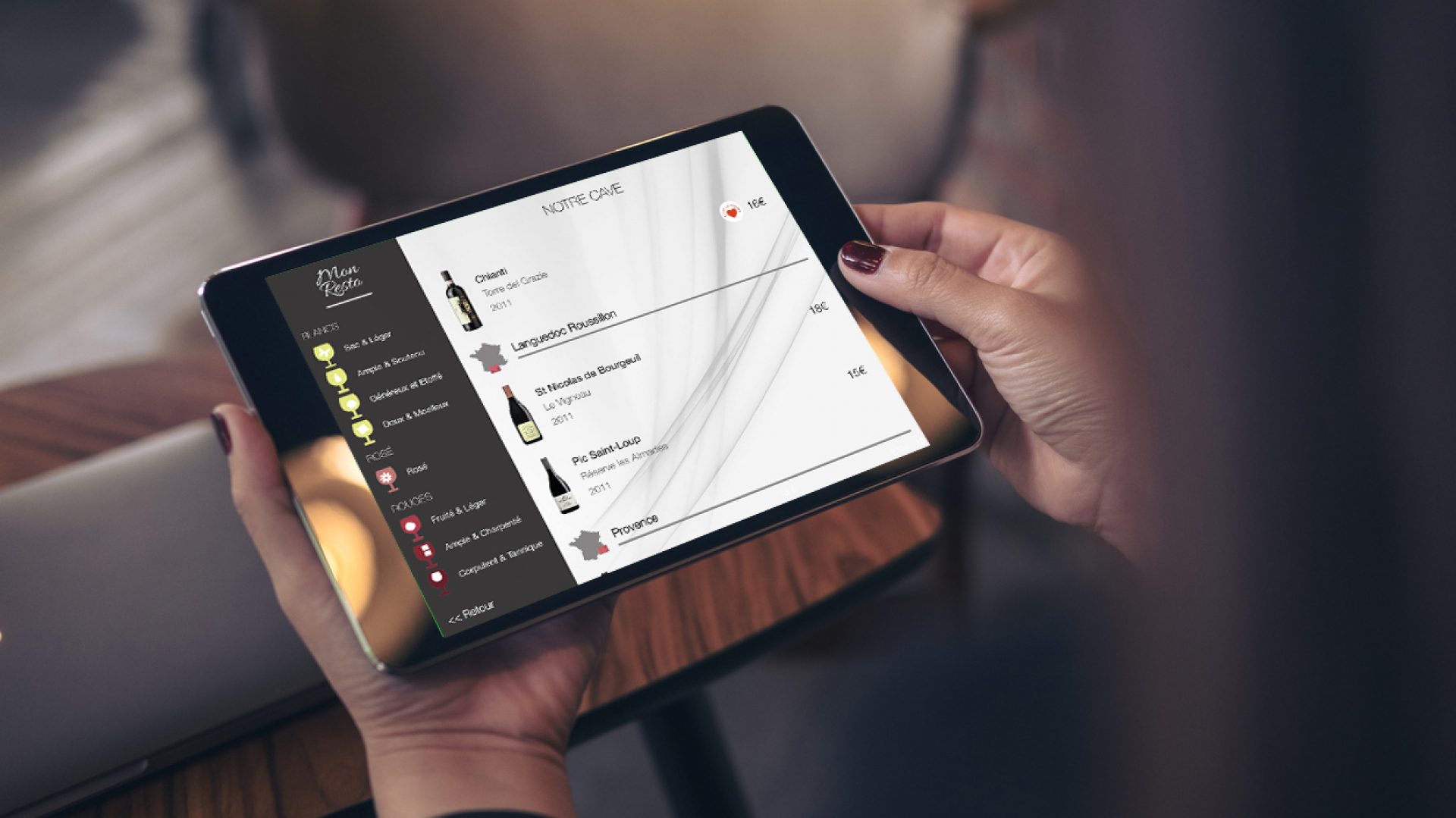
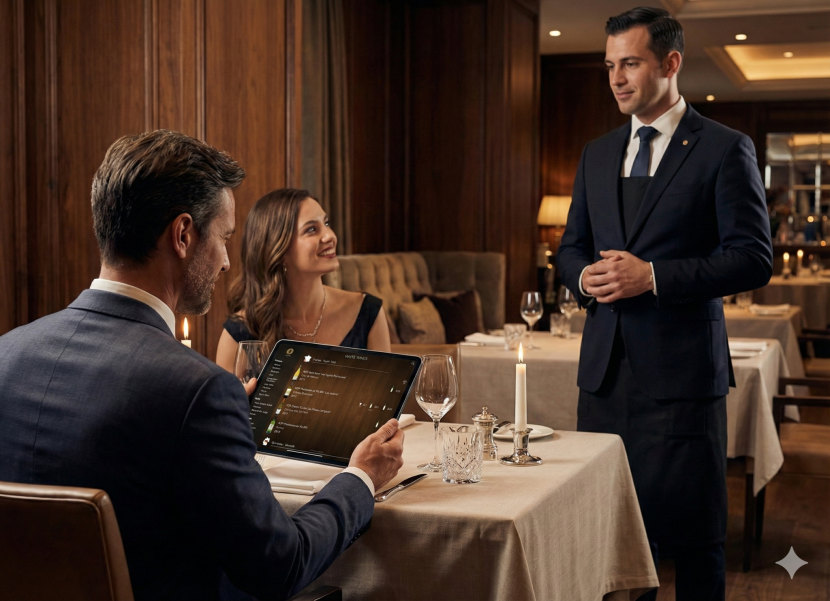
A printed wine list lies the moment the first bottle sells. It keeps showing a vintage that’s gone, a price that changed last week, a bottle the sommelier pulled from the cellar that same morning. The guest reads it, chooses from it, and the server has to correct it out loud, at the table, on a bill that’s already expensive. That’s not a minor inconvenience — it’s the list lying, not the guest getting it wrong. An iPad wine list doesn’t just look better. It closes the gap between what the list says and what the cellar actually holds.
Why iPad became the standard for table-side wine lists
There are several ways to digitize a wine list: a QR code on the table, a PDF hosted online, an app on the guest’s own phone. Each has its place. None replaces the iPad for a venue that cares about the ritual of service.
Physical presence. A wine list gets handed over. It opens, it’s leafed through, it’s set down between two glasses. The iPad keeps that ritual intact — the guest holds it, passes it to their companion, flips back a page. A QR code removes that gesture entirely: it asks the guest to pull out their own phone, open a browser, manage their battery and signal. For a fine dining service, that friction doesn’t belong at the table.
Control over the experience. On the venue’s own iPad, everything stays on-brand — layout, typography, bottle photography, tasting notes. Nothing competes with it. On a guest’s phone, the list opens inside a browser, next to notifications, background apps and an interface that has nothing to do with the restaurant.
Offline reliability. Cellars, basements and older buildings with thick walls don’t all have stable Wi-Fi in the dining room. An iPad wine list works offline: the data lives locally on the device and syncs the moment connectivity returns. The list stays available regardless of what the network is doing.
What actually changes, role by role
For the general manager: the end of print cycles
The real cost of a printed wine list rarely gets calculated in full. Design, printing, binding, reprinting after every change — fine dining venues typically spend between €2,500 and €5,000 a year keeping a printed list current. And even then, it’s almost always behind the cellar’s actual state.
On an iPad wine list, every change — price, vintage, new arrival, sold-out bottle — is visible across every device in the venue within seconds. No printing. No lag. No outdated version circulating in the dining room.
For the owner: a revenue tool, not just a presentation layer
A static list can’t react to what’s happening at the table. It can’t surface a bottle that pairs with tonight’s special, flag an exceptional vintage still in stock, or adjust its suggestions by season.
An iPad wine list can do all of that. Consultation data shows which bottles get viewed but never ordered, which sections of the list go unexplored, which wines are actually carrying margin — numbers, not guesswork, to guide what to feature, reprice or retire.
For the sommelier: the whole cellar, at every table
A printed list is structurally limited to what fits on the page. Rare vintages, half-bottles, experimental additions — anything that doesn’t fit the print run stays invisible to the guest.
On iPad, the full cellar can be presented. Tasting notes, the estate’s story, suggested pairings, vintage context, BIN numbers for cellar location — all available without the sommelier having to stand at every table. And when a wine goes on by the glass, the list can reflect that immediately, with the detail needed to back the recommendation.
What to evaluate before choosing a platform
Not every iPad wine list platform is built the same way. A few things worth checking before committing:
Embedded admin. Some platforms require logging into a separate web portal from a computer to make any change. Others let the sommelier do everything from the iPad itself, in seconds, mid-service. The difference matters in practice — the sommelier who spots an error at 8:15pm should be able to fix it without leaving the floor.
Real-time stock. The list should reflect what’s actually available. A bottle that’s gone shouldn’t still appear. Reorder alerts should be automatic, not something someone remembers to check.
Offline function. Essential for venues with patchy Wi-Fi. The list should load locally on the iPad rather than depending on a constant connection.
Multilingual display. For hotels, tourist-area restaurants, or venues serving an international clientele, the list needs to display in multiple languages without maintaining separate versions.
POS integration. The list should talk to the till — decrementing stock automatically on every sale, keeping available vintages current, and avoiding double entry.
Presentation quality. For a fine dining venue, the list is a branded object. It should carry the house’s visual identity — logo, typography, colour palette — without compromise.
What Michelin-tier venues need beyond the basics
BIN number management. In larger cellars, every reference is located by a BIN number. The list should display it and let the sommelier retrieve the bottle without delay.
PDF export for communications. The list should generate a publishable PDF — for the venue’s website, event materials, or private dinner menus.
QR code for unstaffed areas. Terraces, lounges, and waiting bars aren’t always covered by table service. A QR code pointing to the same live list gives guests access from their own phone in those spaces.
Data confidentiality. For a luxury venue, the cellar’s reference list, pricing and sales data are sensitive. Infrastructure should be EU-hosted, GDPR-documented, with communications encrypted and data ownership staying with the venue.
How the switch actually works
Moving from a printed list to an iPad wine list typically takes 48 hours for a well-organised venue. References import from an Excel file or directly from the POS. Descriptions, producer photos and tasting notes can be added progressively — the list works from the first day of service, even with minimal content. The rollout doesn’t disrupt service: teams pick up the interface in a short training session, built for sommeliers and F&B managers, not IT staff.
Frequently asked questions
Does an iPad wine list replace the sommelier?
No. It carries the accurate information — stock, price, vintage — so the sommelier spends their time on recommendation rather than updating a paper document. How much tasting detail to include, if any, stays the venue’s own call.
Does it need an internet connection to work at the table?
No. The list is stored locally on each iPad and works fully offline for the guest. A connection is only needed to push an update from the admin side.
How long does it take to digitise an existing wine list?
Starting from an existing PDF or Excel file, setup is typically completed within 48 hours.
Can the same list also exist as a QR code or PDF?
Yes. One live source of data can generate the iPad list, a QR code for guests who prefer their phone, and a publishable PDF for the venue’s website — no re-entry required.
COENA is a native iPad wine list built for fine dining restaurants, wine bars and luxury hotels — used across Michelin-tier venues including Le Gavroche, the Royal Mansour, the Maybourne Riviera and L’Atelier Windsor. Operational in 48 hours, connected to your POS. Discover the iPad wine list.